
Client & Partner Portals That Replace the Endless Email Chase
Give clients and partners a branded, secure place to see status, files, billing, requests and updates — so your team stops repeating themselves and starts shipping.
Why this matters for the business
Most client and partner relationships still run on email. Status updates by email, files by email, invoices by email, approvals by email — and someone on your team is constantly chasing replies, re-sending the same documents, and answering 'where are we?' for the third time this month.
It's bad for the client too. They never know where to look, things slip through the cracks, important files get lost in old threads and the experience after the sale feels nothing like the experience before it.
A proper portal makes that one shared, branded place — for status, files, invoices, messages, approvals and requests — that both sides can rely on.
Client & Partner Portals — capabilities
Specific, production-grade capabilities — not a generic feature list.
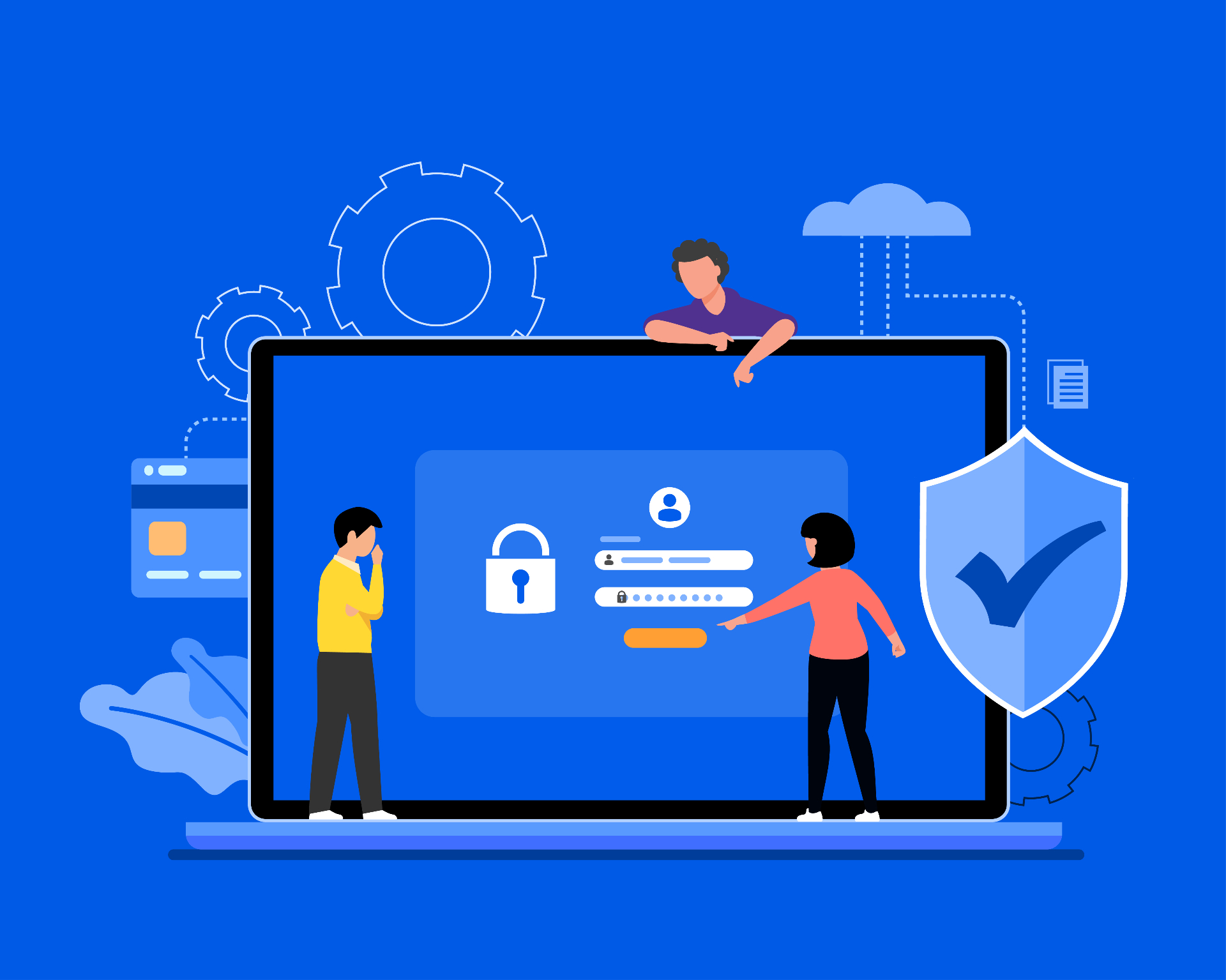
Branded authentication with SSO, MFA and granular permissions out of the box.
Live status of every project, request or ticket — visible to both sides in one place.
Versioned files, contracts, deliverables and reports — with download tracking.
Conversations live next to the work they relate to, not buried in email threads.
Send items for client approval; collect timestamped sign-off in the portal.
View invoices, payment history and pay online — connected to your billing system.
Clients open requests directly in the portal; your team gets them in the right tool.
Real-time notifications and a clean activity log of every change on the account.
The practical result for the business
Real, measurable business outcomes — not vanity metrics.
Fewer status emails, meetings and "can you resend" requests
Higher client and partner satisfaction
Faster approvals and decisions
A professional brand experience after the sale
Where this is being used in real businesses
Client portal for agencies and professional services
Partner portal for resellers and distributors
Project portal for implementations and onboardings
Vendor portal for procurement and supplier management
Investor and stakeholder reporting portal
Customer support and self-service portal
Subcontractor and field-partner coordination portal
A real business scenario, step by step
Client logs in — sees status, approves work, pays an invoice, all in one place
Branded login with MFA; the client sees only their own accounts and projects.
Status, owners, next milestones and recent activity — all current, no email needed.
Reviews the latest file or report directly in the portal, with version history.
Approves with one click; the sign-off is timestamped and logged.
Views and pays the current invoice without leaving the portal.
Opens a new request; it routes into your CRM, helpdesk or PM tool automatically.
How this fits a modern business operation
The experience a client gets after they sign is what determines whether they renew, refer and expand.
A portal makes that experience tangible — and turns your operations into part of the product, not an email afterthought.
For partners, distributors and vendors, the same logic applies: a clean portal is the difference between a programme that grows and one that quietly stalls.
How we deliver every engagement
Discover → Map → Design → Build → Integrate → Test → Launch → Optimize
- 01Discover
Understand the business problem, current systems and the outcome that defines success.
- 02Map
Map workflows, data and integration points end-to-end so nothing is invented blind.
- 03Design
Design the system, user flows and data model around the real operating reality.
- 04Build
Engineer the application, automations and AI components with production quality from day one.
- 05Integrate
Connect to CRM, ERP, payments, support and internal tools with reliable two-way sync.
- 06Test
QA, UAT, performance and security checks against the success metric defined up front.
- 07Launch
Ship the system with monitoring, alerting, training and a clean rollout plan.
- 08Optimize
Measure outcomes, tune flows and expand the system as adoption grows.
Common questions about Client & Partner Portals
Have a workflow, app, portal or automation in mind?
Tell us the business problem, the systems involved and the outcome you want. We'll help shape it into a practical digital solution.